StreamyCam : Live Stream is a powerful mobile solution designed to transform your smartphone into a professional-grade broadcasting tool. Whether you are a content creator looking to engage your audience in real-time or a professional needing a reliable way to share events, this platform offers seamless connectivity. By leveraging high-quality encoding, it ensures that your viewers experience crystal-clear visuals without frustrating delays or interruptions. It is the perfect companion for anyone aiming to elevate their digital presence through high-impact live broadcasts.
StreamyCam : Live Stream
Susamp Apps
Download
59.4 MB
StreamyCam : Live Stream Screenshots

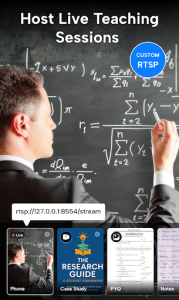
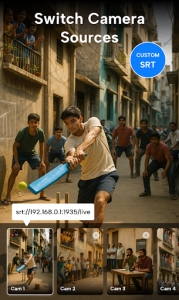
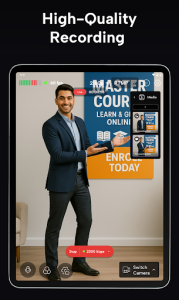
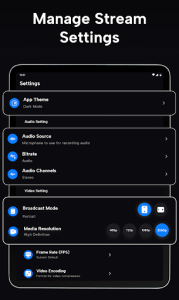
1 / 24
59.4 MB
Size
1.0.17
Version
6.0+
Android
Universal
Arch
About StreamyCam : Live Stream
StreamyCam : Live Stream is a powerful mobile solution designed to transform your smartphone into a professional-grade broadcasting tool. Whether you are a content creator looking to engage your audience in real-time or a professional needing a reliable way to share events, this platform offers seamless connectivity. By leveraging high-quality encoding, it ensures that your viewers experience crystal-clear visuals without frustrating delays or interruptions. It is the perfect companion for anyone aiming to elevate their digital presence through high-impact live broadcasts.
Professional Broadcasting Quality
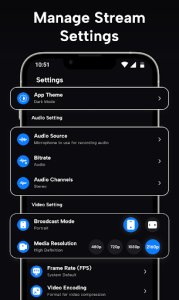
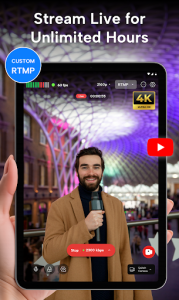
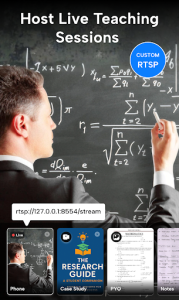
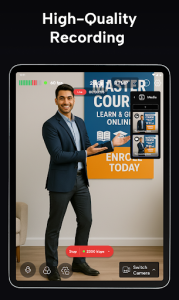
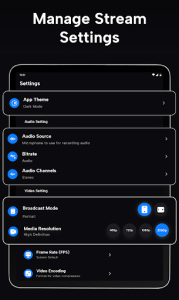
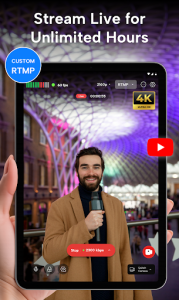
Achieving high-definition output from a mobile device has never been more straightforward. This tool utilizes advanced compression algorithms to maintain excellent frame rates even when network conditions fluctuate. You can easily adjust resolution settings to match your bandwidth, ensuring that your audience receives a smooth feed regardless of their location. This reliability makes it an essential choice for journalists, streamers, and event organizers who cannot afford technical glitches during critical moments.
Intuitive User Interface
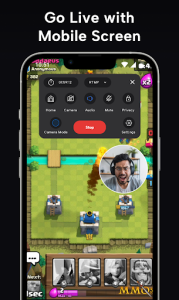
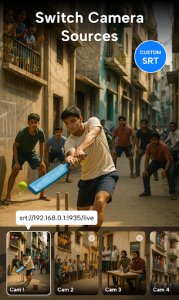
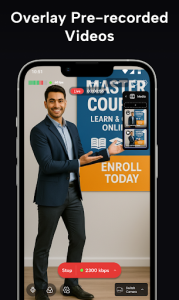
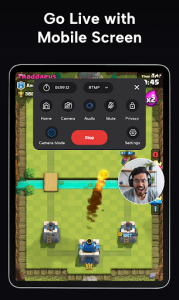
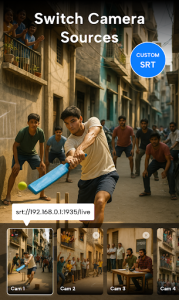
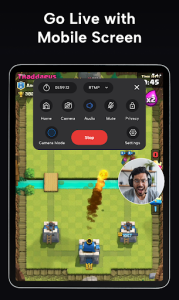
Navigating complex streaming setups can be daunting, but this service simplifies the process with a clean and logical layout. Every control is positioned for quick access, allowing you to manage audio levels, switch cameras, or toggle overlays with a single tap. The minimalist design ensures that you spend less time configuring settings and more time interacting with your viewers. Such user-centric design is what makes StreamyCam : Live Stream a standout choice for creators of all skill levels.
Advanced Connectivity Options
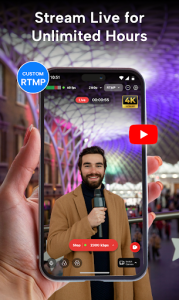
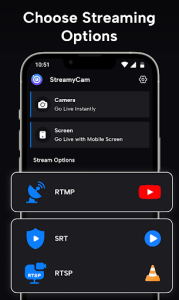
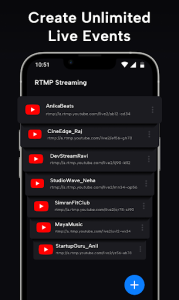
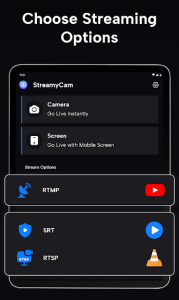
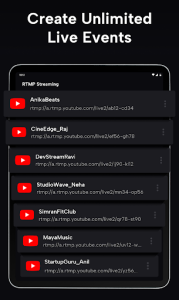
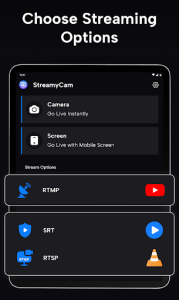
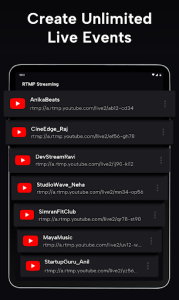
Reliable streaming requires stable integration with various social media platforms and custom RTMP servers. This utility provides robust support for multiple protocols, allowing you to broadcast to your favorite channels simultaneously or target specific audiences with ease. By handling the handshake process automatically, the system minimizes setup time and maximizes your uptime. It is a versatile tool that adapts to your unique workflow, whether you are streaming a casual vlog or a formal business presentation.
Real-time Audience Engagement
Connecting with your community is the heart of every broadcast, and this software facilitates interaction through integrated chat overlays. You can monitor viewer comments and reactions directly on your screen, enabling you to respond instantly and build a stronger rapport with your followers. By keeping the conversation visible, the experience feels more personal and dynamic for everyone involved. StreamyCam : Live Stream empowers you to foster a vibrant community by keeping the focus exactly where it belongs: on your content and your fans.
Frequently Asked Questions
Simply log in with your preferred platform credentials, adjust your desired resolution settings, and tap the live button to begin broadcasting instantly.
Yes, the platform automatically detects external audio equipment connected via Bluetooth or a wired adapter, ensuring high-quality sound for your viewers.
The service includes multi-streaming capabilities, allowing you to reach your audience across several social channels at the same time from one centralized interface.
Most core functionalities are available immediately upon installation, though some premium customization options may require a subscription to unlock full access.
Additional APP Information
Package Name
com.streamycam.live.livestream
Developer
Susamp Apps
Category
Updated
Mar 5, 2026
Content Rating
Everyone
Signature
657c1f9ea39994fc9ae9ef03165953edcc6df165
Get it On

You are now ready to download StreamyCam : Live Stream for free. Here are some notes:
- Please read our APK Info and installation instructions carefully for the game & app to work properly
- Read the FAQ carefully for more details
4.9/5 (2 votes)